The 6 Must Have Apps for Instagram


Staying consistent with your social media accounts can be overwhelming.  Utilizing the right apps can help you save time and attract new followers.  These are my 6 must-have apps right now…

1. Planoly

I literally don’t know what we would do without Planoly!   Planoly keeps us posting consistently with purpose. I plan my Instagram posts one to two weeks in advance.  I love being able to type captions on my computer verses my phone. I also love how Planoly saves groups of hashtags that you can add to a post with one click.  Plus they just added a new quick scheduler feature which lets you quickly schedule your posts for the most popular times.   

2. Mojo

This is my new top app for creating stories.  SOme of you probably remember when you could purchase animated Instagram story templates and customize them in Photoshop.  Now Mojo does all of that for you right on your phone! You HAVE to check out this app.  

3.  Unfold

Another of my favorite story apps is Unfold.  They have quite a few story templates to choose from and more available for purchase.  Their templates are clean and professional looking.  

4.  Repost

Repost is great if you want to re-share posts from another account easily.  Maybe you want to repost a quote or funny saying. Maybe an account is hosting a giveaway and you need to repost to enter.  Whatever the case, Repost makes it simple!

5.  Layout

Layout is great for making quick collages for your feed.  Layout is super easy and fast, with several different templates for your collages.  

6.  MilkShake

If you want to maximize your one Instagram link in your bio, check out MilkShake.  This app allows you to create a mini-website to redirect your traffic to the right place or resource.  They have lots of templates to choose from so you are sure to find the look for your brand.

Did your favorite make the list?  I hope this was helpful information and you find a new favorite app or two to help you make the most of your Instagram account!
5 Steps to Creating an Awesome Instagram Profile

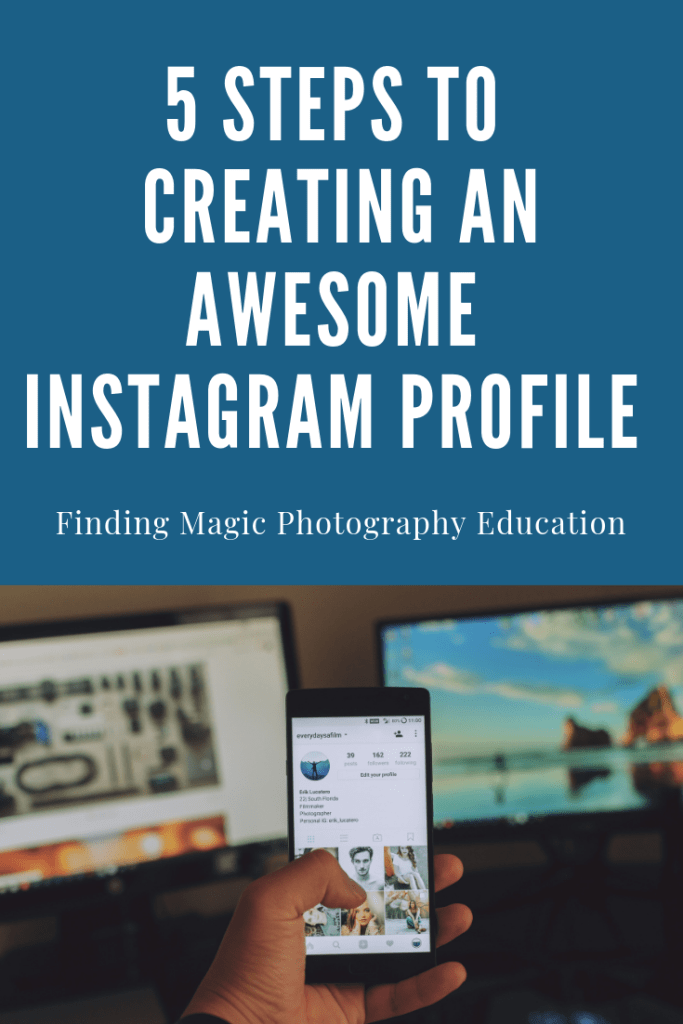
When you open your Instagram account and click on edit profile, a new window will open up with the following 5 fields for you to customize.   Let’s walk through each field and the guidelines for setting up each one.

Profile Photo 

I suggest using a picture of yourself, rather than a logo.  Prospective clients want to see the person they are considering working with and it helps to put a face to a name.  Ideally, you want to have the same profile picture across all of your social media platforms so that if someone is looking at your accounts on different platforms, they can tell by your profile picture that it is the same person/business. 

Name  

Your username is likely your business name so you don’t want to repeat the same thing in your name category.  The name category is searchable so you need to use keywords in the name field. For example, On Finding Magic’s Instagram account, our name is “Photography Tips and Tutorials”.   On my Instagram account, Shana C. Carter Photography, my name is “Senior & Family Photographer”. So think of what your potential clients might be searching for and use those terms in the name field.

Username

This is where you will use your business name.

Website

On Instagram, we only get one clickable link and it’s here, in the website field.  Now just because it says website, doesn’t mean you actually have to put your website.  You can put a link to your email opt-in or blog. Or better yet, you can optimize your link by doing THIS.

Bio

In this field, you get 150 characters to tell the world who you are and what you do.  You want to convey your brand’s personality and speak to the wants and needs of your potential clients.

If you are a bit stuck on what to write in this field, I recommend checking out Jessica Stansberry’s Lens Statement Creator.

Remember to include your location in your bio if appropriate.  You can also include any relevant hashtags as those will be clickable. 

PRO TIP:  Type your bio in your notes on your phone and then copy and paste so that it will retain the format.If you want more ideas about how to maximize you one link, check out this FREE Tutorial

Design a site like this with WordPress.com
Get started